
Do you have a whiteboard in your office that could be used for something more useful?
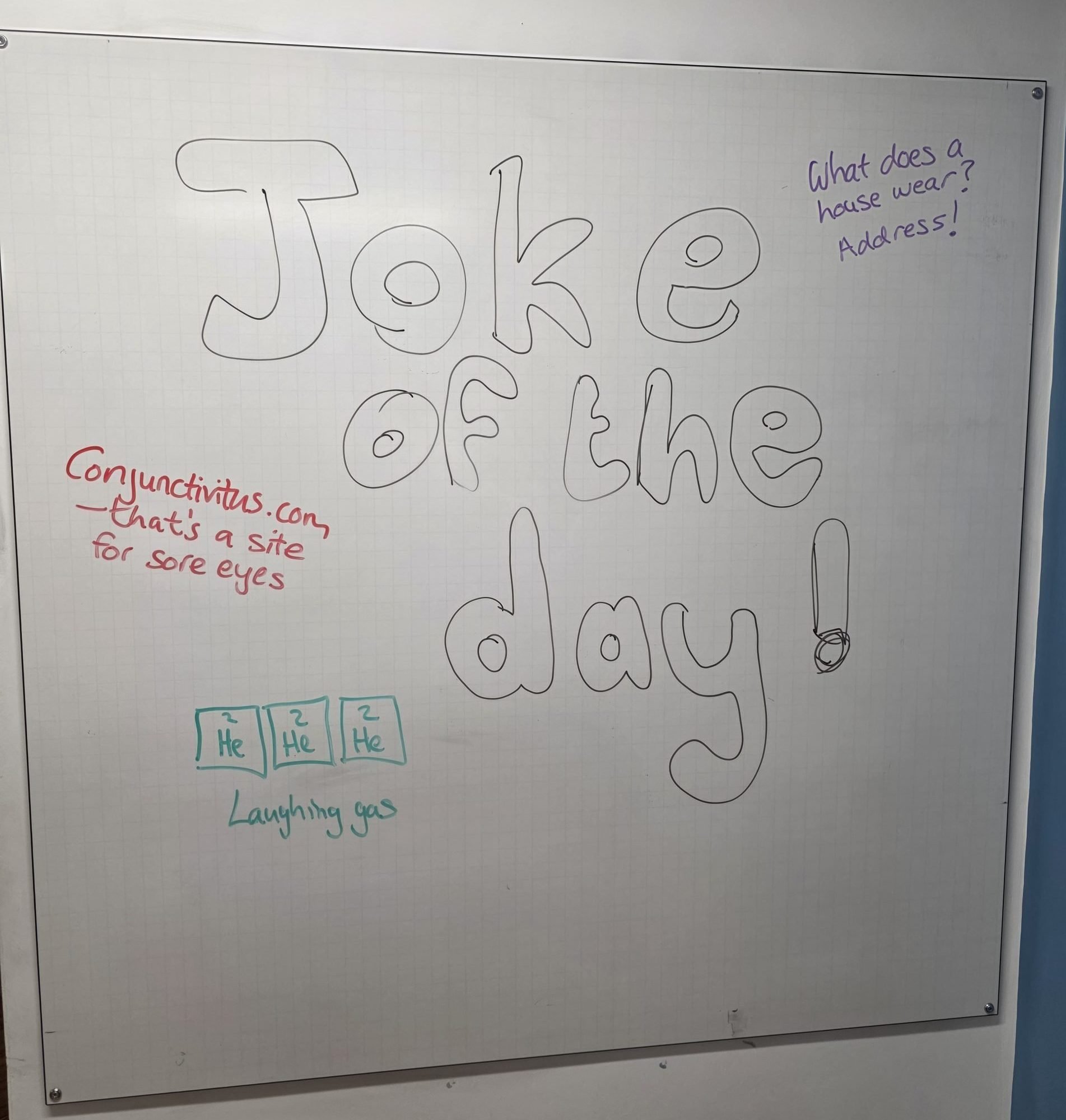
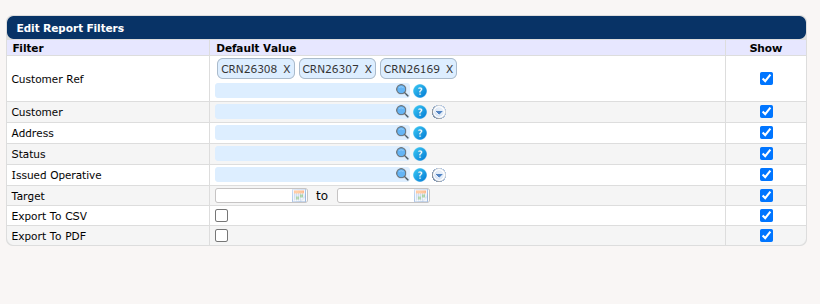
We recently visited SCS Facility Services, and one of the things we saw out of the corner of our eyes was a whiteboard with 4 or 5 job addresses listed. We asked what it was for, and were told that they were just “the most important jobs that someone is interested in”. After a little head scratching as to how best to implement this, we decided to add a dashboard widget where users can specify jobs they are “watching” – this is a compact report that shows a list of jobs with some basic details (that we are going to grow as people ask for more!). The filter is controlled by the existing multi-select job search, which makes it easy to change the jobs you are watching.

New Features
- Added a new Watched Jobs dashboard widget which allows you to view a subset of jobs you are interested in (it’s hiding it at the bottom of the personlise dashboard list)
- Issue job now has the ability to show a list of preferred engineers when using rules-based-AI allocation feature
- Added sequencing to the survey answers report to force it to match the order the engineers recorded the data when no special formatting is defined for the survey
- Further improvements to the password reset email
- Added job received and completed dates to the sales line report
- Added multi-text region filter to both the operative summary and unauthorised absences dashboard widgets
- Added booked date to the job status breakdown report
- Added nominal code filter and column to the parts setup report
- Added a caption for recall jobs to allow “Raise Recall” to be change to “Raise Linked Job” dynamically
- Added the primary job’s approval signature to split job survey PDFs
- Added a new communication substitution to allow SMS appointment reminders to only show the date
- Updated the electrical installation condition survey printout to allow for questions to be sequenced differently
- Added a contract column and filter to the inspections report
- Updated the mileage reports to allow for the new vehicle registration field on operative status
- Added sales invoice taxpoint date to the job cost report
- Introduced the ability to record vehicle number plates on the mobile app to accompany mileage
- Added a new option to automatically split apportioned time between jobs on the MARKUS Mobile (for assets) app
- Added column for ticket number in the unpassed invoices report
- Added explicit detection and logging of airplane mode on the mobile app
- Added the ability to filter out certain notes appearing on the job details screen on MARKUS Mobile like health and safety confirmations
Changes For a Single Contractor
- Changed the UWE/Archibus document exporter to work with PPM task specific visits as well as primary job visits; also changed the process to work from completion status transition rather than live for each visit; fixed client branch set by the nightly asset importer; changed the application evidence report to caption taxpoint date and display the batch id
- Tweaked invoice payment terms on PDF invoice
- Changed multi-batch invoice PDF to be visible only if appropriate for projects
- Added the UPRN to sales invoice PDF
- Stopped the “issue” buttons from being shown immediately after entering a job to force users through an annotation and checking process prior to issuing work to engineers
- Added the SOR rate and total on the visit PDF
- Created a new report based on the items requiring action breakdown to allow for reporting on “Proposal Sent – Awaiting Approval” status to be sent to a customer
- Changed the issue to subcontractor process to use subcontractor prices instead of the rate on the job
Platform Improvements
- Changes related to continued migration to PDO
- Experimental cross-platform offline mobile “quotes” app – 50% complete
Bug Fixes
- Fixed GPS<->Photo mapping
- Fixed importing of Excel for Mac CSV files
- Fixed a bug in the contacts screen saving empty contacts
- Fixed depot search input not restricting by contractor on the operative setup screen
- Fixed an incorrect logo on some survey printouts
- Fixed subcontractor portal dashboard widget showing cancelled orders and subcontractor portal duplicating jobs due to lines not linked to jobs
- Fixed the mobile app exception when adding a photo in a start of day survey on MARKUS Mobile Assets
- Fixed a bug where find job would show the detail group header not the actual detail
- Fixed the sequence of extra job (WIP Comment) details

