

Following customer feedback we’ve recently made changes to the generic job importer, adding more optional fields. How could this help you? Would you like more fields? Read on to find out more…
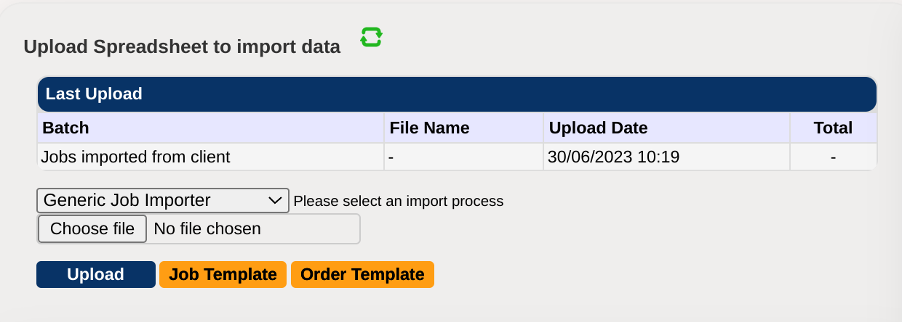
What is it?
One of the popular MARKUS features is the job importer, allowing you to upload multiple jobs from a spreadsheet all at once. These normally consist of only the basic and necessary fields, but we like to give our customers the freedom to include whatever they want to help make their job as easy as possible.
At the request of one of our customers, we recently added several new, optional fields:
- Asset Contact
- Asset Phone
- Asset Notes
- Asset Email
Why?
This allows you to provide more information about the job location, making client communication much smoother. This information also gets passed to MARKUS Mobile, allowing engineers in the field to call the property owner if needed. In conjunction with the change that allows engineers to hide their number from contacts they call, they will have the freedom to communicate without worrying about tenants calling back at three in the morning.
For the developers, this change also meant an update to the job importer’s core code, allowing us to better support optional fields in the future. This also helps us to stay backwards compatible, so that old job import templates stay working while the new ones grow.
How do I use it?
The job importer works using comma separated value (CSV) files, easily generated from any spreadsheet. Chris’s YouTube video explains how to make a file and upload it to the importer.
If you have any queries about the job importer, or are looking for a new field to be added, please give us a call: 0161 477 2343.

