
Statuses in MARKUS aren’t just words, they represent your work flow – Madi explains more…
All statuses in your system should exist to serve you and your business. MARKUS is full of features you can use to get the most out of your statuses, and we are always adding more.
Impacting your day-to-day
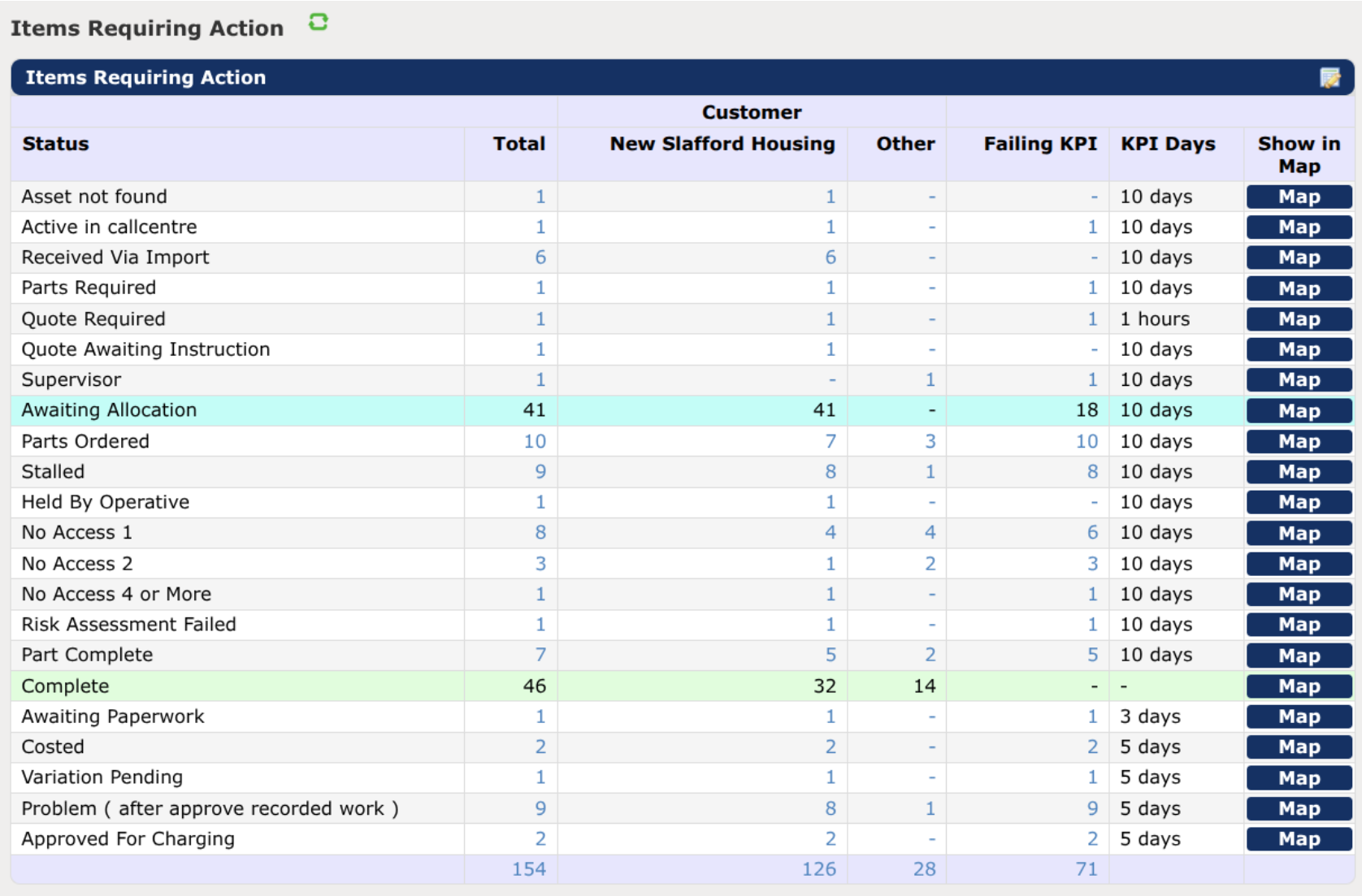
The biggest effect statuses will have on your day-to-day work is on your dashboard. They control where jobs end up and how you interact with them, so the list of statuses can be adjusted to suit your needs.
- Order the statuses to match your work flow and watch the numbers cascade down the report.
- Highlight important statuses using colour to make it easier to find those jobs that need actioning.
- Reword statuses to match your business terminology so everybody is on the same page.
- Add or remove statuses to reflect your ever-changing environment and new processes.
- Highlight jobs stuck in a status for longer than expected.
Staying on top of your workload
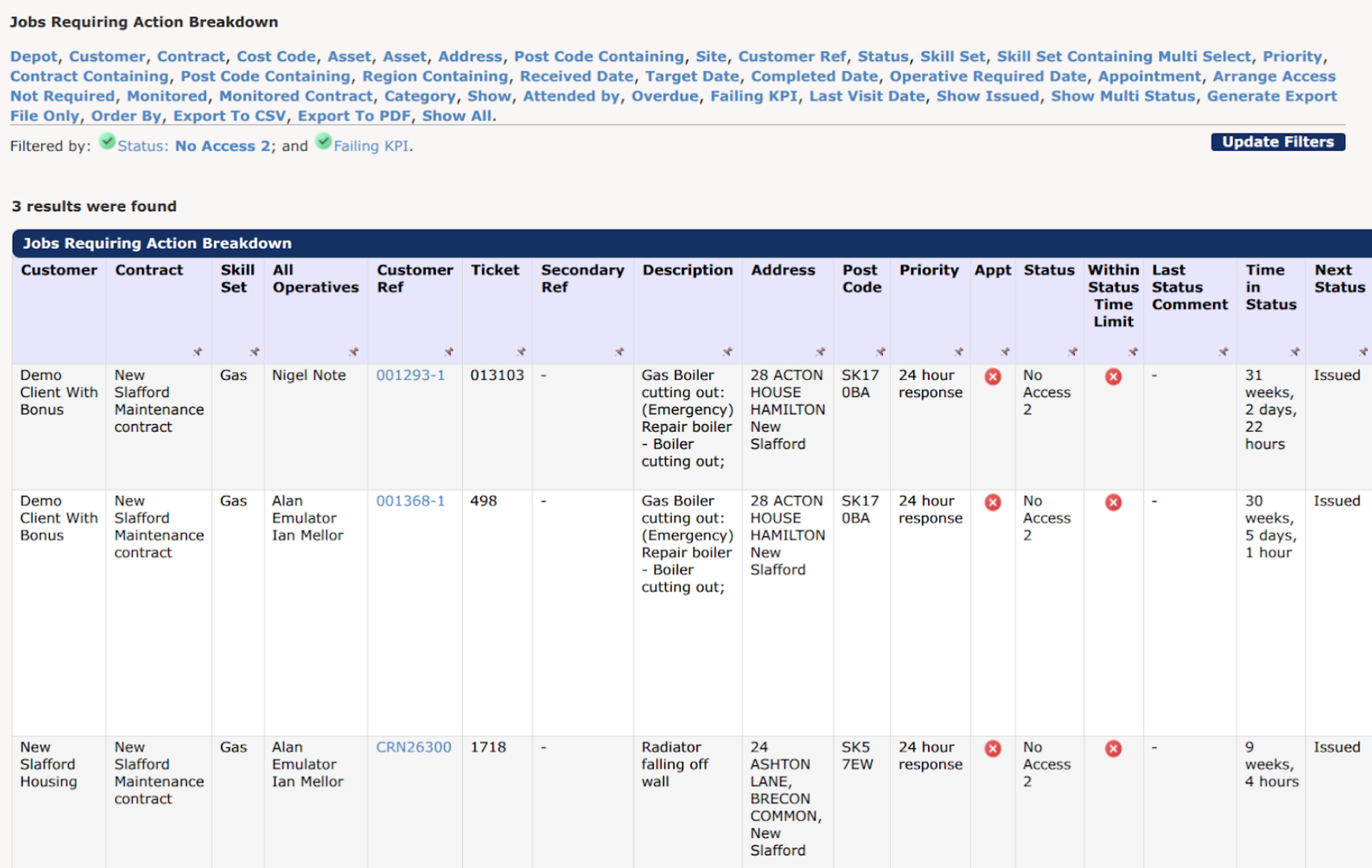
Manage client contracts and SLAs with status KPIs. These allow you to set a time scale of how long a job should stay in each status, and highlight any jobs falling behind. See this information reflected throughout the system with many reports now allowing you to filter for, and see the outstanding jobs – giving you greater visibility and control.
You can find out more about status KPIs in our feature announcement post (https://www.epixsystems.co.uk/news/new-markus-feature-status-kpi/)
Make statuses work for you
Changing statuses is a key part of job management in MARKUS so it’s important to make sure it works for you.
- Manage which statuses appear in each phase of your process to make sure you only see the ones relevant to you, or take full control and set status-specific options so that you can be sure no steps are getting missed in your process. For example, if you’re awaiting a response for a quote, limit the next steps to be an accepted or rejected quote so you can be sure the job ends up where it needs to be.

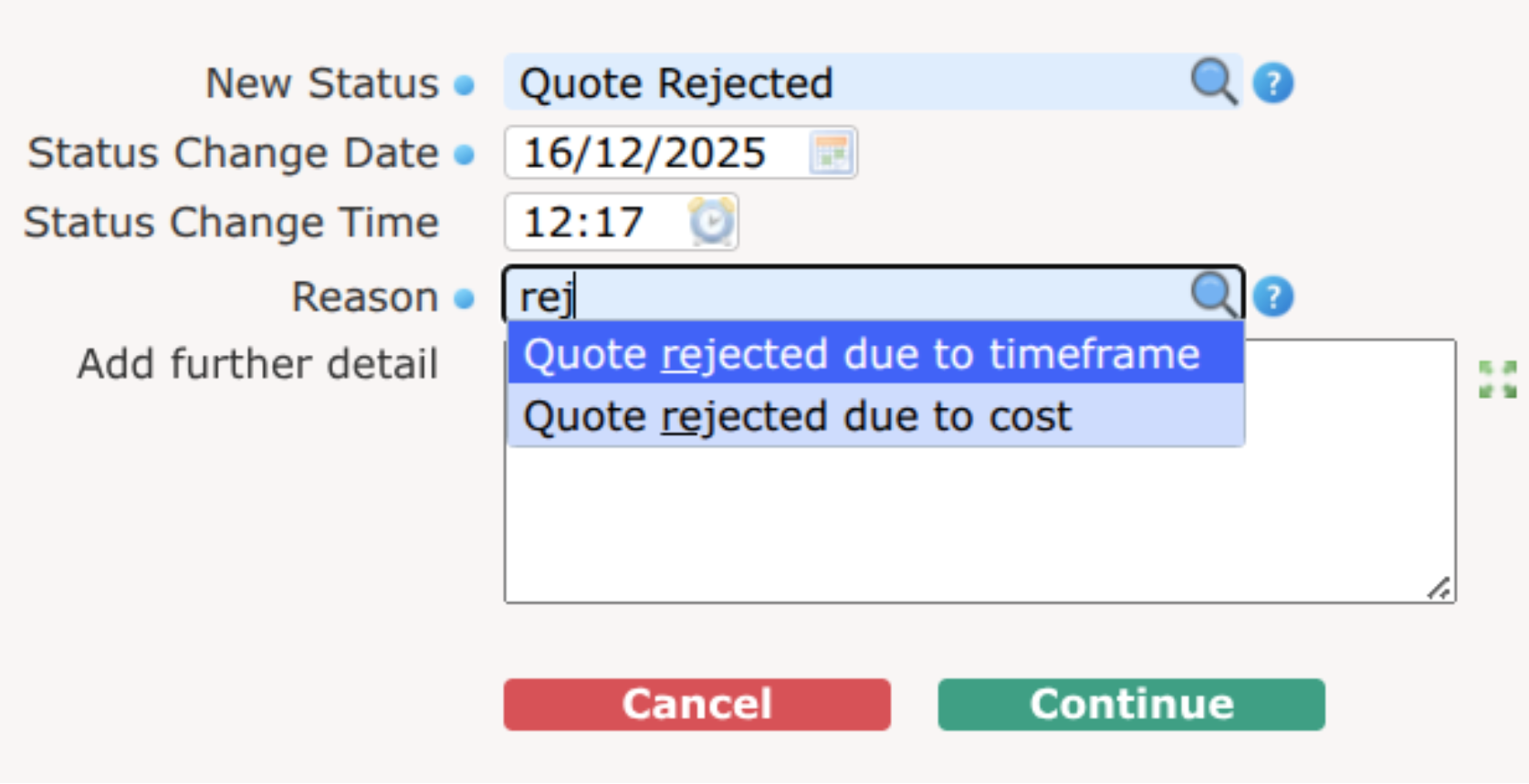
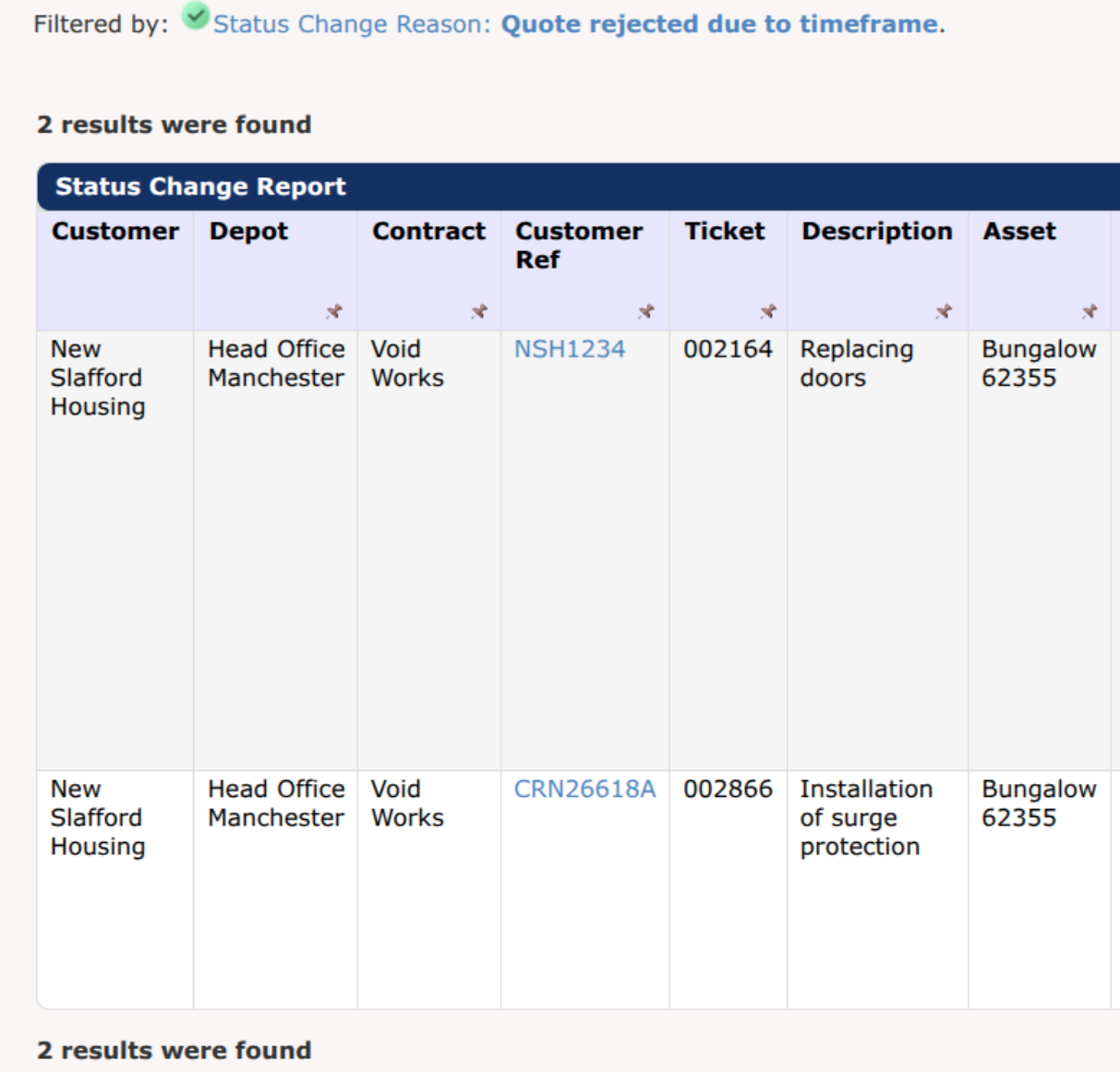
- With free text boxes, reliable reporting becomes difficult, that’s why you can now create reasons to pick from when changing the status, and report on responses to help you identify patterns and understand your environment.
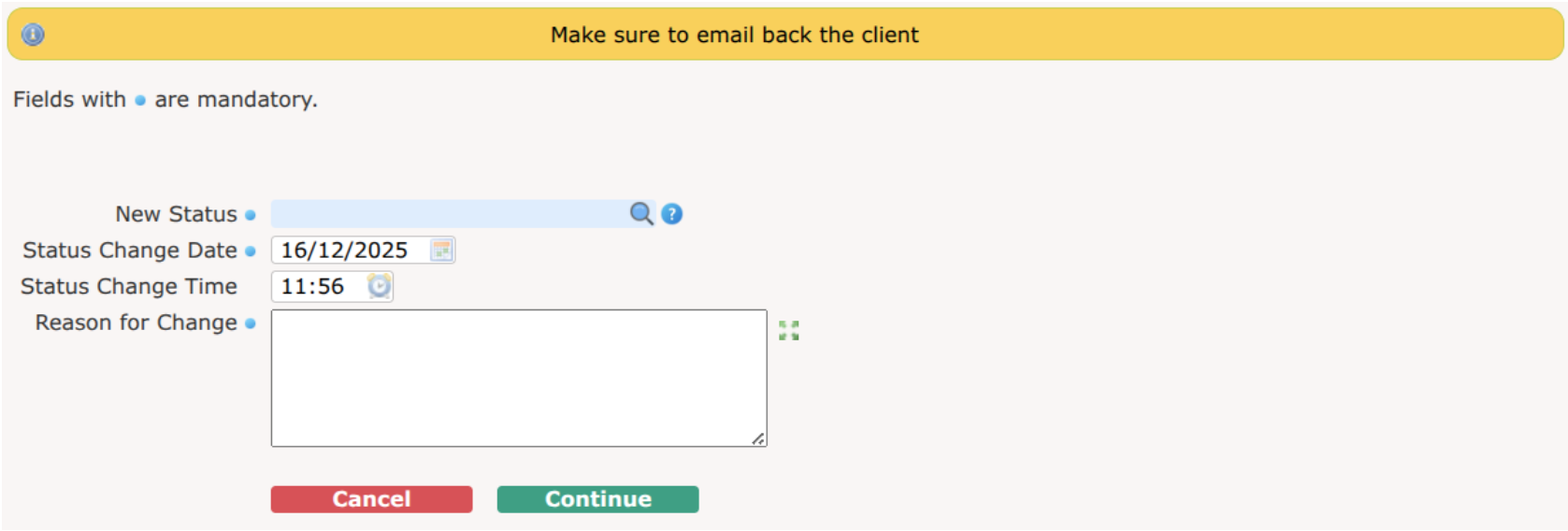
- Communicate with your team effortlessly by setting up status warnings to remind them of expectations and process when attempting to change the status, like reminding them to email the client when trying to change a job that has been awaiting allocation.
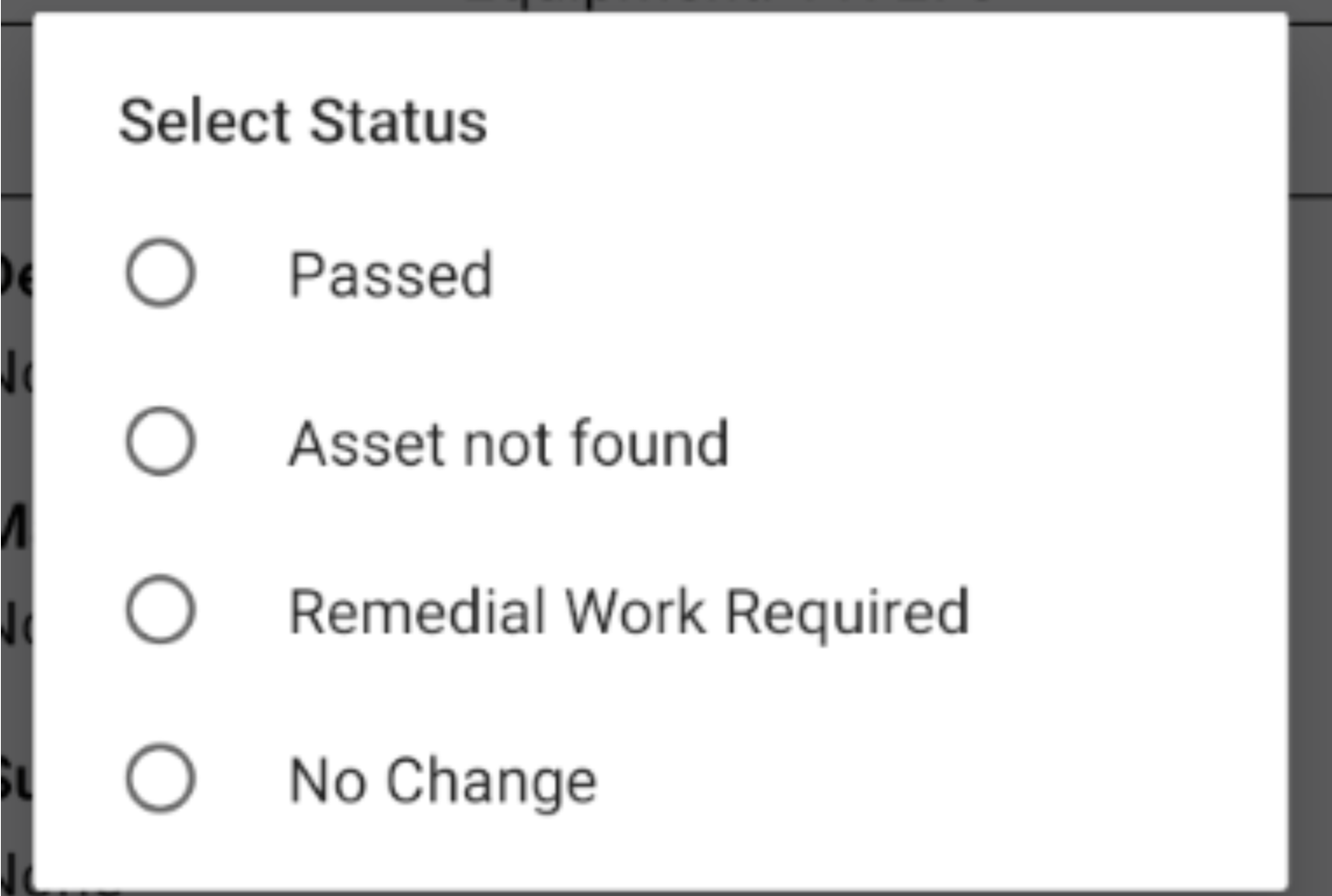
- Control how your engineers record their visits by personalising the end statuses to suit your business.
If you’re interested in using any of these features, or you’d like more information about how statuses can work better for you, talk to the team on 0161 477 2343 or email us on your support email and we can help.

